 manadj
DJ software for keyboard, mouse and controllers.
Four Decks, a Library, a Mix editor, and Sets.
Download manaDJ
v0.1.0-rc.3 · current prerelease
Apple Silicon (M1 or later) · recent macOS
First launch: right-click → Open. If blocked, use System Settings → Privacy & Security → Open Anyway.
macOS install steps →Windows 10/11 · untested on Windows hardware
SmartScreen: More info → Run anyway.
Windows install steps →v0.1.0-rc.3 prerelease notes · Latest release (excludes prereleases) · Setup guide →
Acquisition
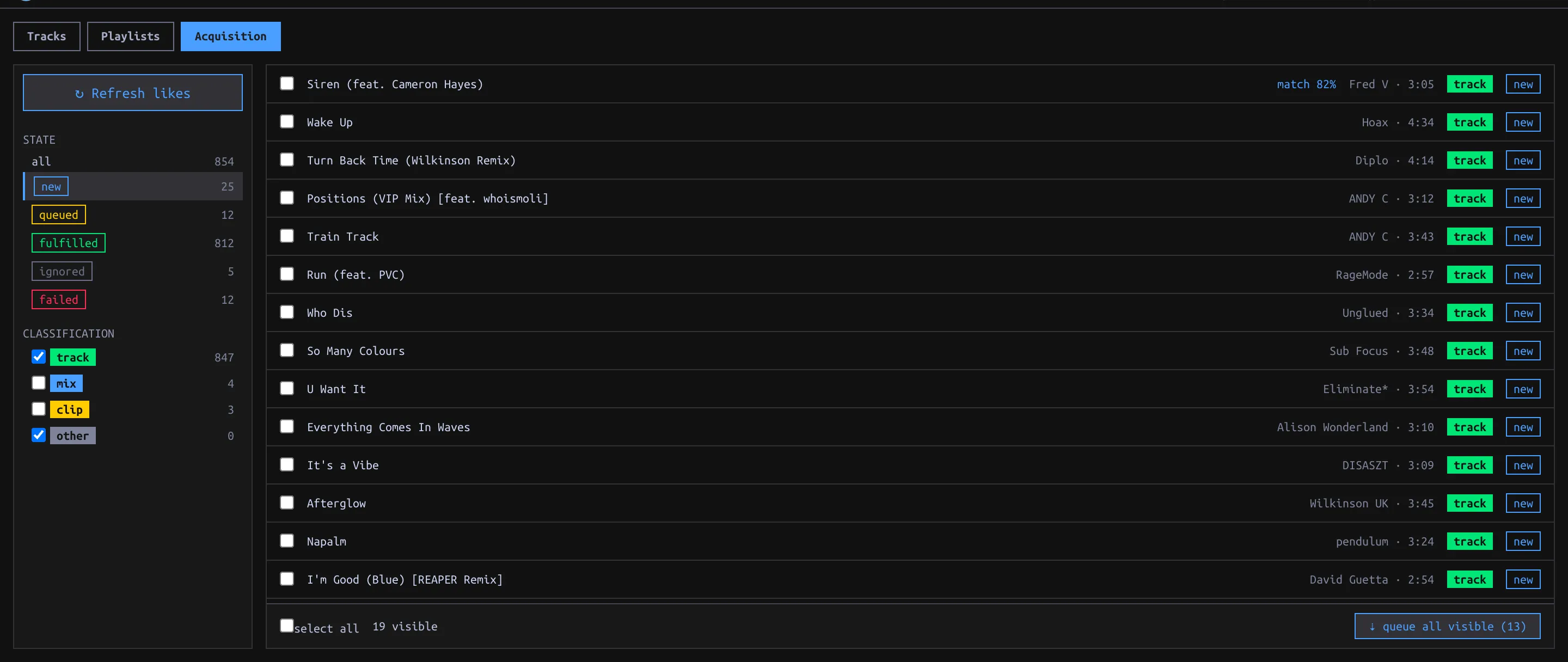
in the app: SYNC › AcquisitionBrowse SoundCloud likes, check Library matches, and download audio from SoundCloud or search Soulseek when SoundCloud cannot supply it.
Library
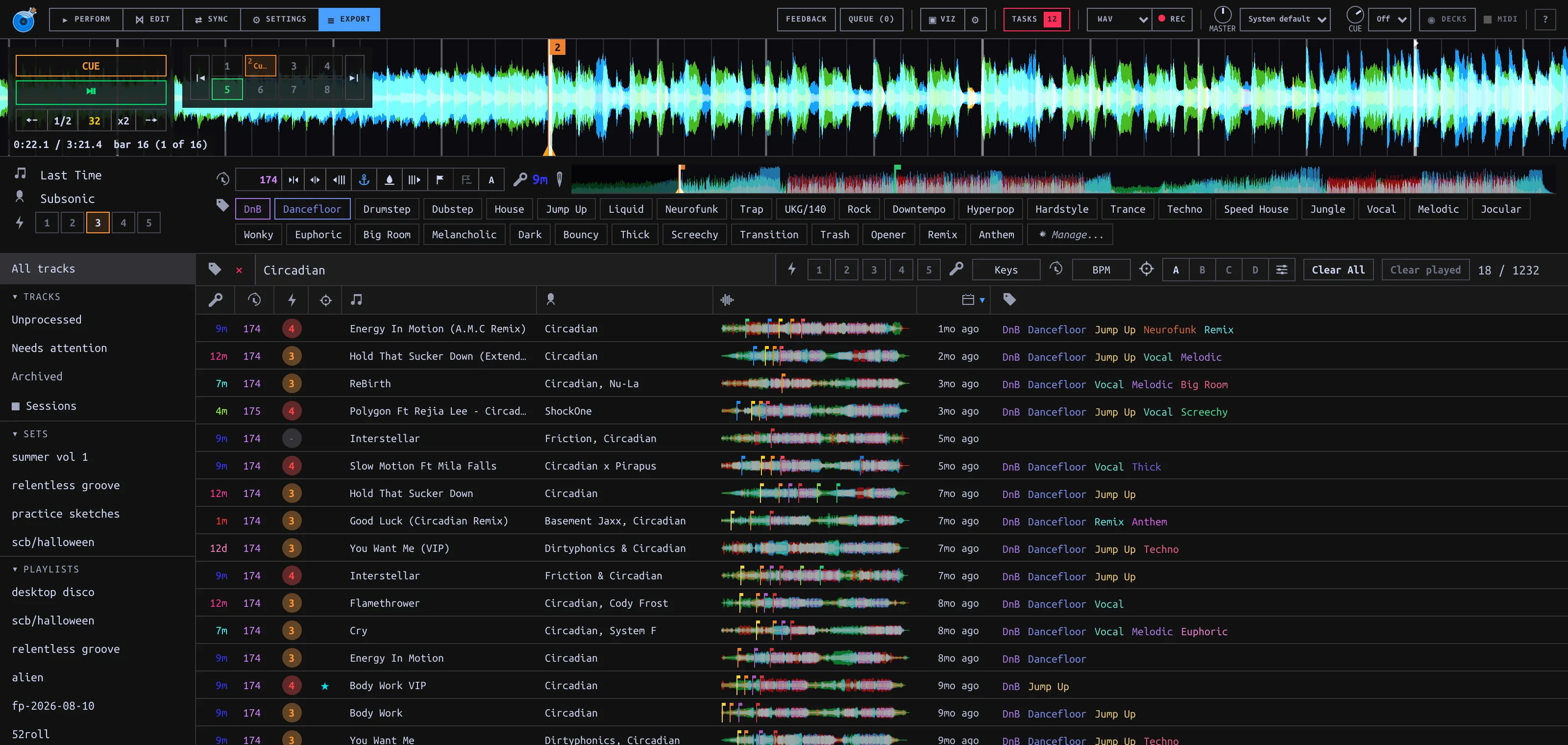
in the app: EXPORT viewBrowse and search the Library; drop files or folders to import in place.
- Organize Tracks with Tags, Tag Categories and colors.
- Match ANY or ALL selected Tags; filter by BPM, Key and Energy.
- Build Playlists with editable play order; mark Tracks Archived without deleting files.
Analysis detects Beatgrid, Key, waveform and Structure; manually stamping Hot Cues 1–4 fills empty slots leading into the detected drop.
Keyboard and controllers
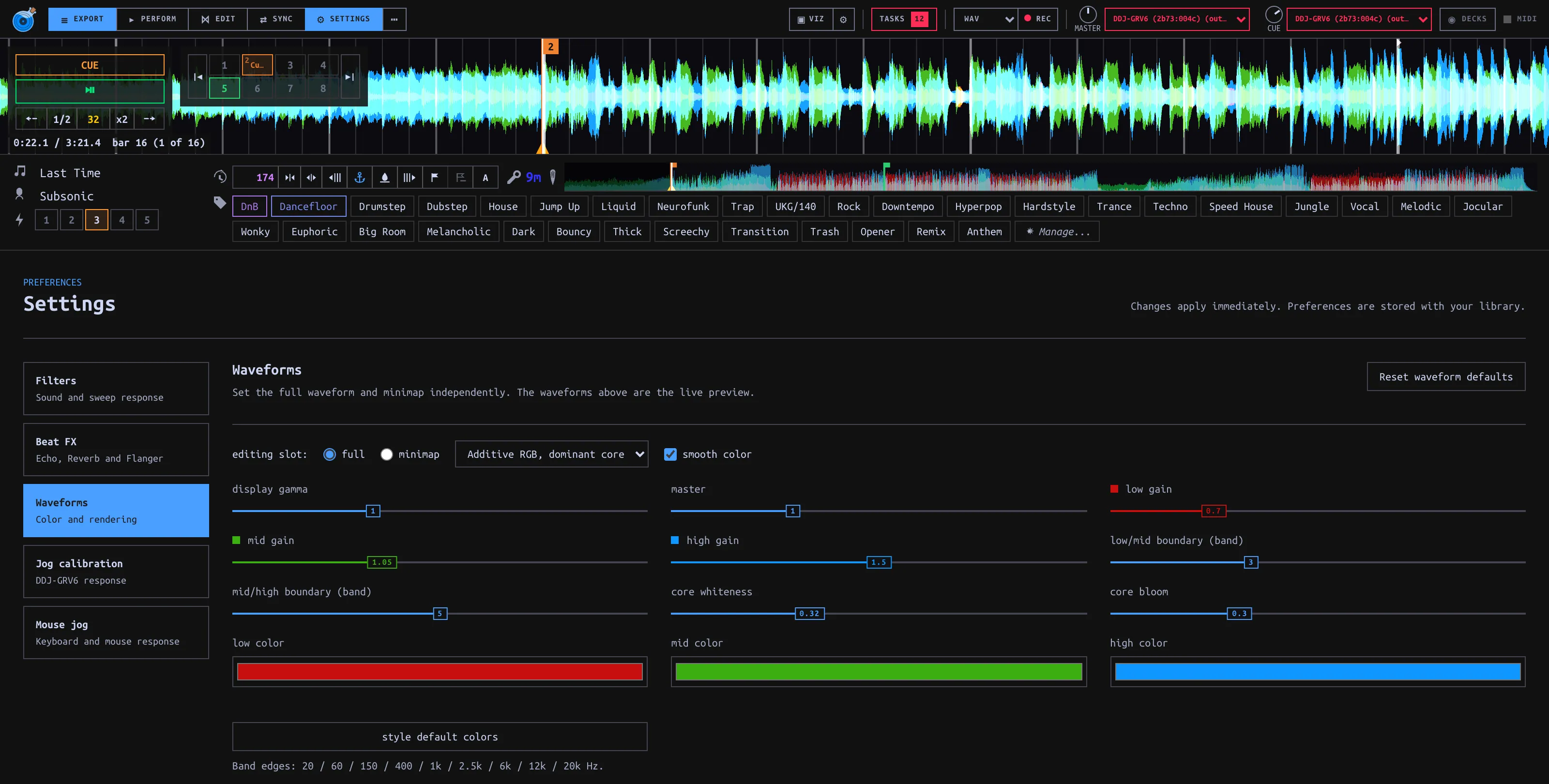
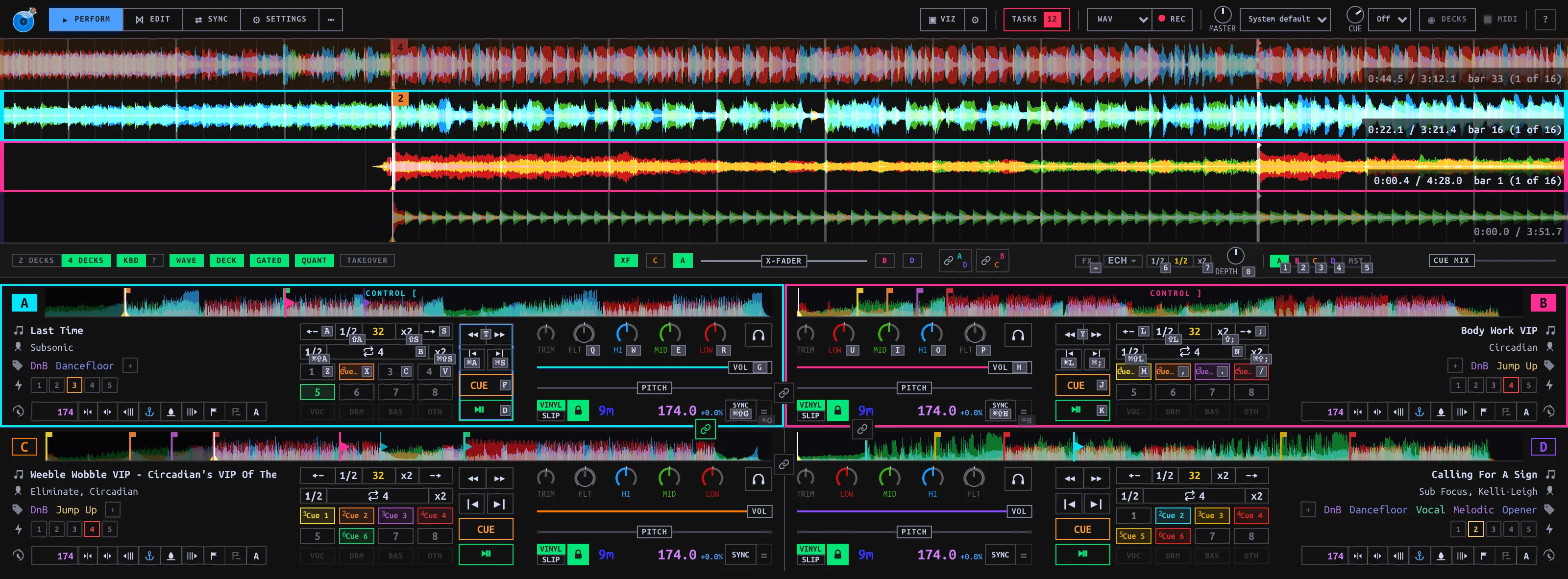
in the app: PERFORM viewKeyboard and mouse: four Decks, drag-to-load and stem mute/solo; KBD labels show shortcuts.
Controllers: Deck and Mixer controls, with pad and transport lights reflecting the app state.
Supported: Pioneer DDJ-GRV6, Pioneer DDJ-SB3 (four Decks); Hercules Inpulse 300 MK2 (two Decks).
Follow mode
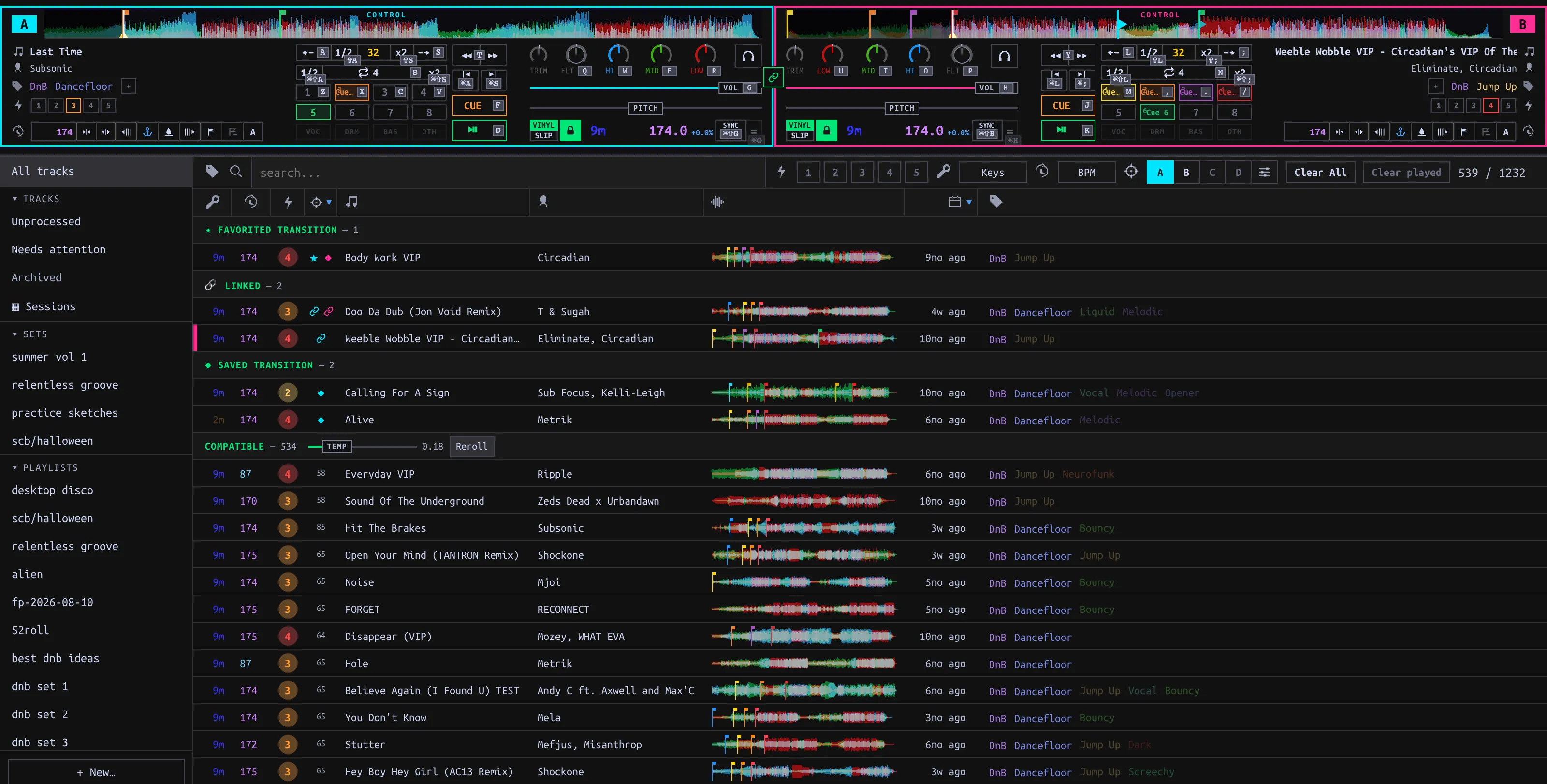
in the app: any track listFollow suggests Tracks for the loaded Deck, listing Known pairs first, then Observed pairs and Compatible metadata matches.
Sessions and Takes
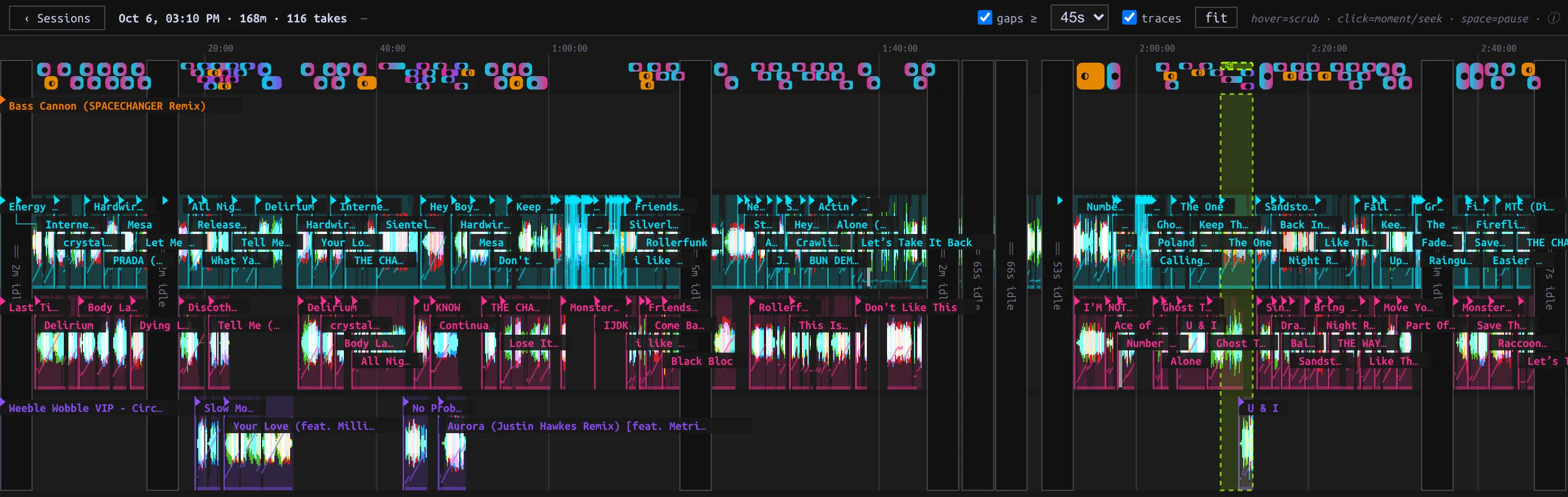
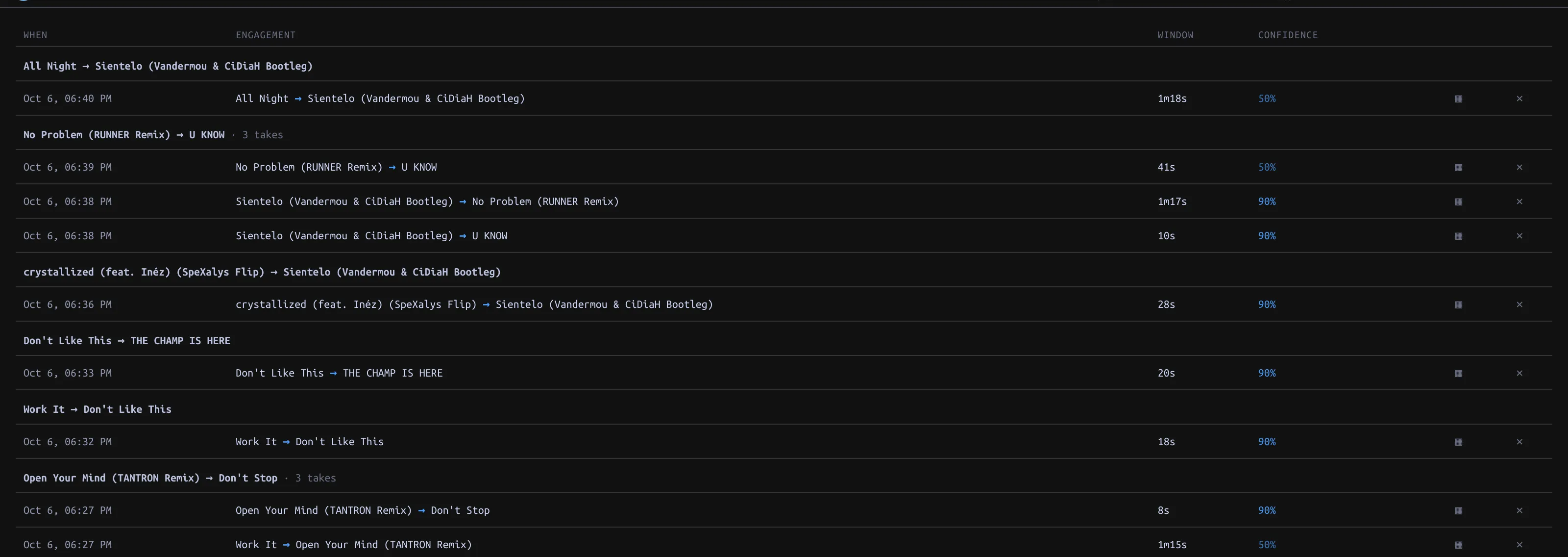
in the app: Sessions · HISTORYSessions log Deck and Mixer events without recording audio; detected handovers become Takes that replay through the Decks.
Mix editor
in the app: EDIT viewEdit Track timing, fades and jumps on a timeline, audition through the Decks, and Promote drafts to Transitions, Cameos or Routines.
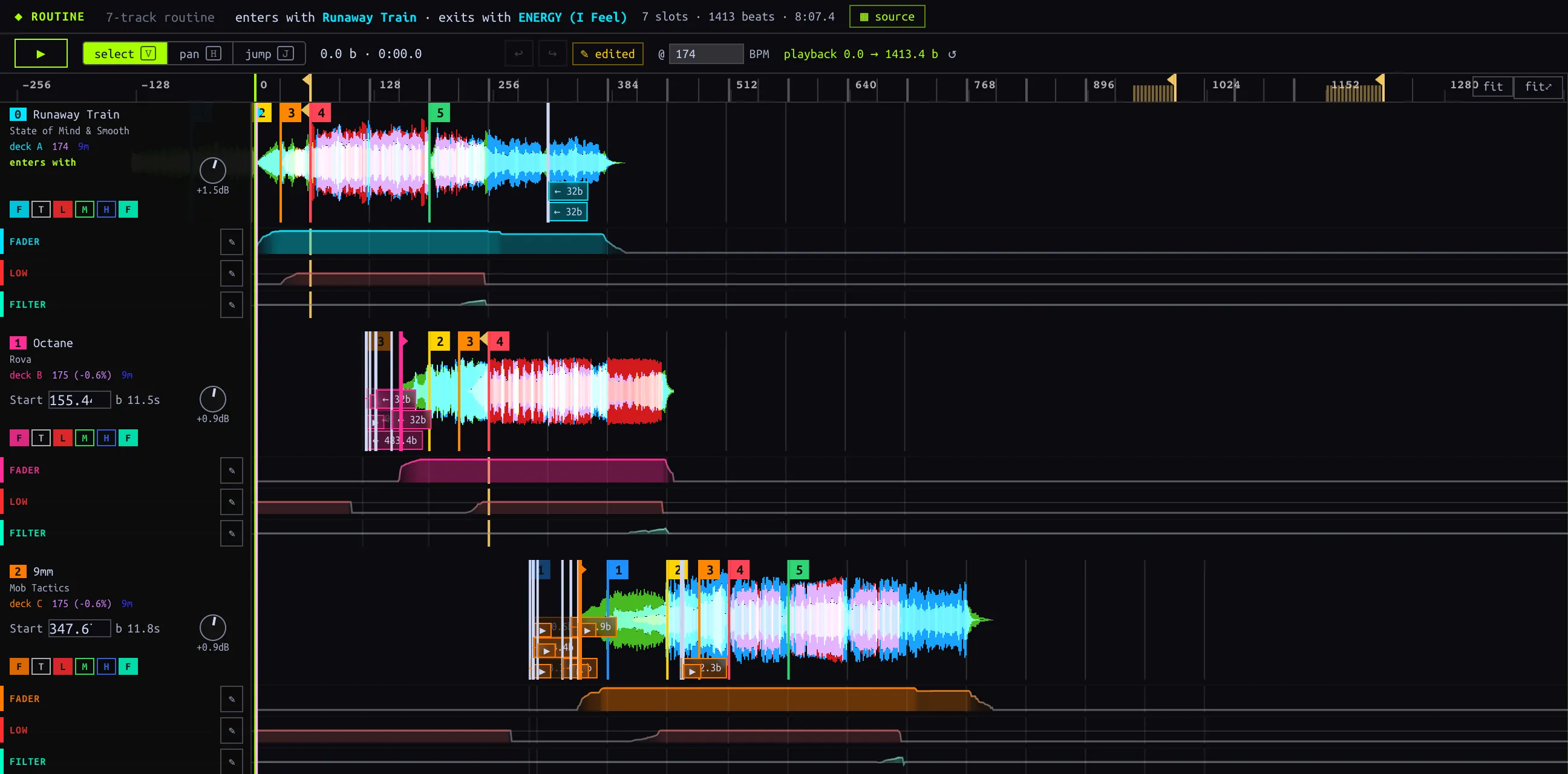
Sets
in the app: library sidebar · SetsOrder Tracks with Transitions, Takes or hard cuts; the Conductor plays these handovers on the Decks and Mixer until manual control.
Library sync
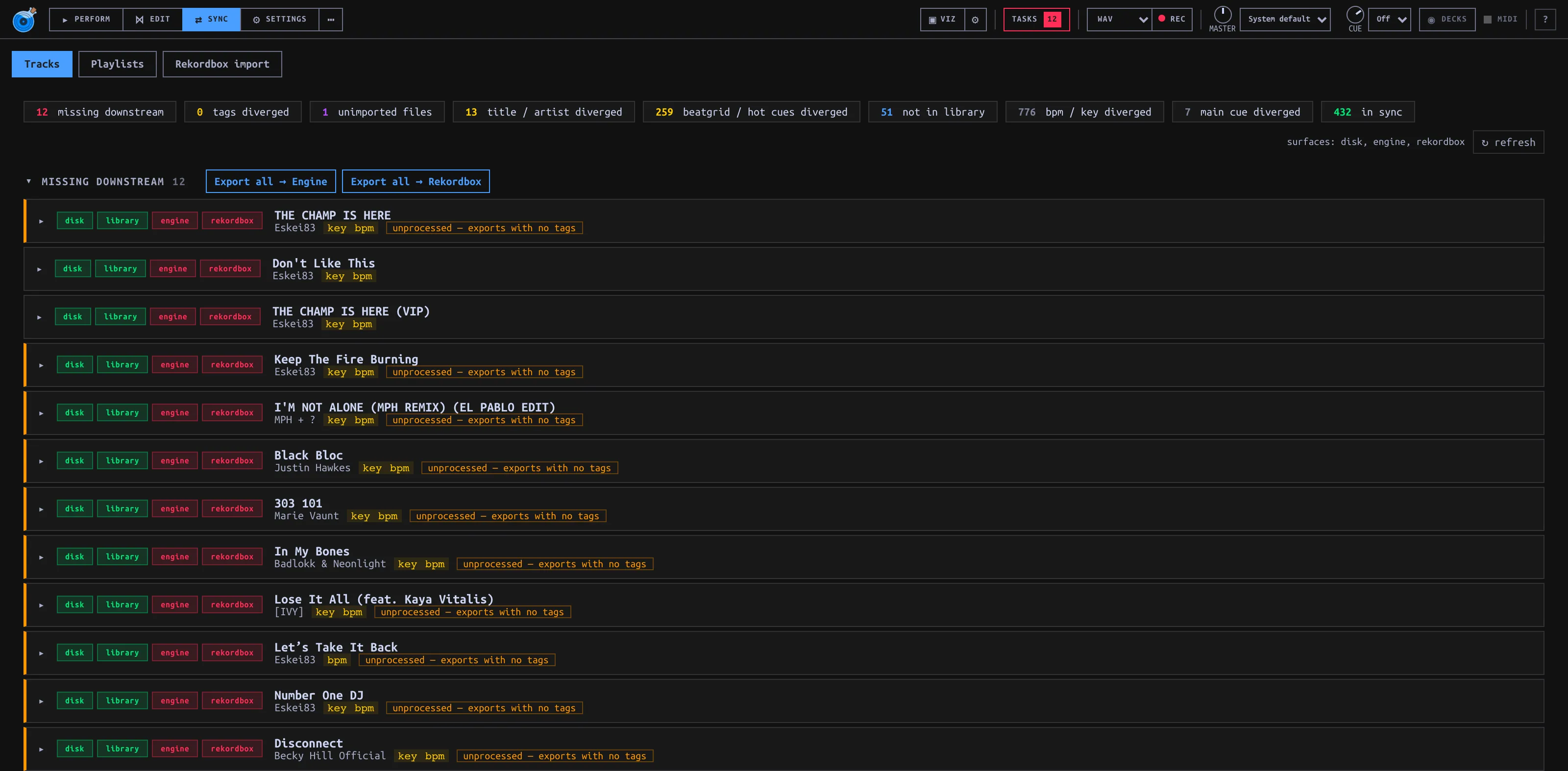
in the app: SYNC viewExport sends metadata and playlists to Engine DJ or Rekordbox when enabled (off by default); External Import reads changes back.